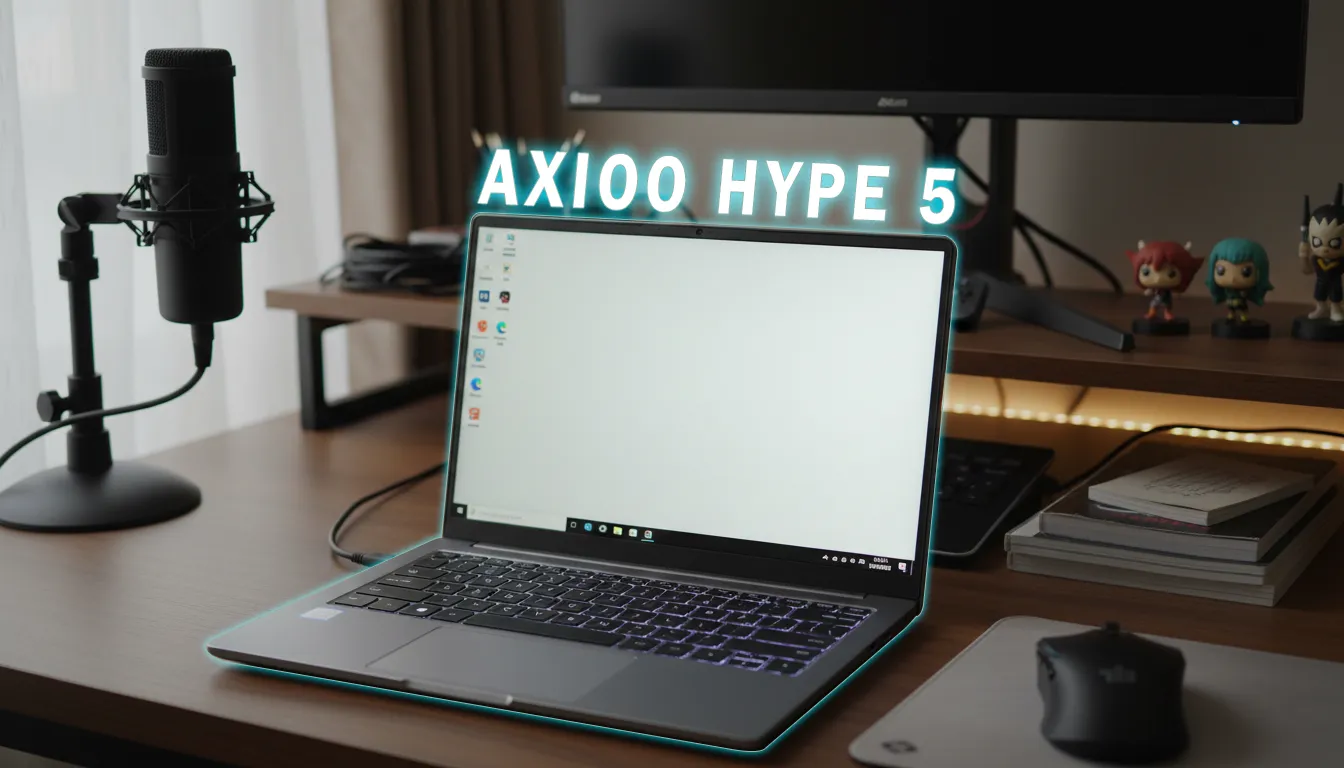
Many are looking for laptops in the 7 million range with high performance, but fear regret due to mediocre displays, poor speakers, or features that turn out to be unsuitable for their needs. Unique designs can be tempting, but when used daily for work or study—stability, temperature, and battery life become more crucial. This is where decisions can get complicated if relying solely on specs on paper.
Market Position and Expectations for 7 Million Price Range
In this price range, the majority of competitors use U-series processors with 15–28W. This product stands out with the Ryzen 5 7535HS at 35W, which on paper provides more performance headroom for multitasking, light editing, and casual gaming. The target users are students, office workers, and beginner creators who want a combination of computing power and abundant ports, without the price diving into the gaming class. The Megamendung batik design adds a cultural value rarely found in the mainstream market.
What Indonesian Reviewers Say
Summaries from several local reviewers show a consistent pattern: stable CPU performance for the price class, safe operating temperatures, and a configuration of 16 GB DDR5 dual-channel RAM and 1 TB storage make for a relaxed multitasking experience. The dual-fan cooling system is praised for helping maintain consistent long-term loads.
For the display, most reviewers find the 14-inch 16:10 IPS panel with a brightness of around 320 nits and sRGB coverage of about 60% sufficient for daily work and non-critical editing; however, it is not suitable for professional color grading. The speakers are considered somewhat flat and lacking in volume; some find this acceptable for the price class, while others suggest using headphones directly.
Points often appreciated include: complete ports (2x full-function USB-C with PD and display out, modern HDMI, microSD), a 180° hinge, and a practical USB-C charger. Common notes include a comfortable keyboard but without backlighting, a 720p webcam despite having a physical shutter, connectivity still on Wi-Fi 5, and the Office package not being the built-in Microsoft Office. Minor differences among reviewers usually only pertain to battery test results and brightness numbers, but the overall picture remains aligned.
What’s Most Appealing in Real Use
- Fast and consistent performance: The Ryzen 5 7535HS 6C/12T with a TDP of 35W allows office applications, light coding, and 1080p exports to run quickly. In 4K, certain workflows can still be handled as long as expectations are managed.
- RAM and storage friendly for heavy work: 16 GB DDR5 dual-channel is ready to use, and the 1 TB NVMe storage provides ample space for projects, caches, and libraries.
- Controlled temperature and noise: The dual-fan system and two heat pipes help keep the CPU temperature safe under long loads, supporting marathon work sessions.
- Complete ports for flexible work setups: 2x full-function USB-C and HDMI make output to multiple monitors easy; the microSD slot assists casual photographers/creators.
- Unique cultural design: The Megamendung motif provides a distinctive identity without sacrificing mobility (±1.47 kg) and a practical 180° hinge.
Potential Daily Disruptions
- Display not for color-critical work: 60% sRGB and 60 Hz are sufficient for general work but lack accuracy for professional designers—an external monitor is needed.
- Flat audio speakers: Volume and sound character are lacking in power; the most effective solution is headphones or external speakers.
- Keyboard without backlight: Comfortable typing, but the absence of backlighting makes it difficult in dimly lit rooms.
- Connectivity not the latest: Wi-Fi 5 is stable enough, but not as fast as Wi-Fi 6/6E on supported networks.
- Limited storage upgrade flexibility: The configuration of two 512 GB SSDs means upgrades usually involve replacing one of the drives, not adding an empty slot.
- 720p webcam: Adequate for meetings, aided by a physical shutter, but not quality for content creation.
Who is Suitable for the Advan Work Plus Heritage Batik Edition?
Suitable for:
Students, employees who often present on multi-monitors, beginner creators (non-critical color photo/video), and users who prioritize stable CPU performance in the 7 million price range.
Not suitable for:
Colorists/designers needing high sRGB/DCI-P3 accuracy, users prioritizing loud audio speakers, or those wanting Wi-Fi 6 and backlit keyboards as standard.
Main trade-offs:
You get HS-class performance, solid cooling, complete ports, and large storage; in return, compromises exist in speaker quality, display accuracy, backlit keyboard, and the latest Wi-Fi features.
Summary of Key Points
- 35W performance in the 7 million price range is considered superior and consistent.
- The 16:10 IPS display is sufficient for general work; for high color accuracy, an external monitor is still needed.
- Complete ports and ease of multi-monitor setup are strong selling points.
- Audio, backlighting, and Wi-Fi 5 are compromise areas to be aware of before purchasing.
Final Decision: Worth Buying or Not?
It is worth buying for users who prioritize stable CPU performance, complete ports, and large storage capacity at an affordable price. With the right expectations regarding the display, speakers, backlighting, and Wi-Fi, the package appears competitive—especially for studying, office work, non-critical creative productivity, and light gaming.
Frequently Asked Questions
Is the Advan Work Plus Heritage Batik Edition strong for video editing?
For 1080p, it is very comfortable; 4K can still be handled on certain projects with the right settings. An external monitor is recommended if color accuracy is needed.
How is the battery life?
Video playback lasts about 7 hours at moderate brightness. Mixed work usage is generally shorter, depending on load and connectivity.
Can the RAM and storage be upgraded?
RAM uses two SODIMM chips and can be upgraded. The 1 TB storage is split between two drives; upgrades usually involve replacing one of them.
Is the display suitable for professional graphic design?
For non-critical design, it is sufficient. For color-critical work, use an external monitor with higher sRGB/Adobe RGB coverage.
How is the gaming performance?
E-sports games and light titles can be played at medium-low settings. The latest AAA titles will require compromises in resolution and detail.
Choose Wisely with GizmoKita
GizmoKita summarizes reviewer opinions so you can focus on the most relevant trade-offs. Save research time and make decisions that fit your needs.
Source: Jagat Review