Ever been engrossed in work on your Windows laptop, only to have an important call come in on your iPhone—but your TWS is stuck on the laptop and requires a manual disconnect? Or perhaps you bought expensive earbuds, only to find their premium features only work within the same brand’s ecosystem? The Huawei FreeBuds 5 Pro arrives with an enticing promise: total freedom to switch between devices without hassle. But is this just marketing jargon, or can it truly be relied upon?
Verdict Editorial
Sintesis opini reviewer gadget yang menyoroti kelebihan dan kompromi utama.
Perfect for:
- Users with multiple gadgets across different ecosystems (iPhone + Windows laptop, Android + MacBook, etc.)
- Professionals who live on Zoom, Teams, or video calls
- Those prone to losing earbuds and needing the “Lost Worry Free” guarantee
Not ideal if:
- You’re an audiophile sensitive to overly thick bass-mid frequencies
- You’re seeking the absolute maximum ANC like the AirPods Pro 3 or Sony XM6
- You prefer memory foam ear tips over silicone
Final Verdict: A smart choice if you need multi-device flexibility and high-quality microphones, with the caveat that some EQ tweaking might be needed for optimal audio.
Huawei FreeBuds 5 Pro Specifications
| Specification | Detail | Description |
|---|---|---|
| Connectivity | Bluetooth 6.0, Near Link | Ecosystem-free Multi-Point |
| Drivers | Dual Driver, Dual DSP, Dual DAC | Supports Lossless Transmission (L2HC) |
| ANC | Dual Engine ANC | Improved over the previous generation |
| Microphone | High-level Noise Reduction | Among the best in the $200 price range |
| Transparency | Natural Transparency Mode | On par with premium competitors |
| Durability | Upgraded from previous generation | Better IP Rating |
| App | Huawei AI Life | Available on iOS, Android, macOS (APK for Android) |
| Special Warranty | Lost Worry Free 1 year | Lost earbud replacement for only $35 |
| Price | Around $200 | Premium TWS segment |
What Makes the FreeBuds 5 Pro Different?
Multi-Point Connection Without Ecosystem Restrictions
This is the main selling point of the FreeBuds 5 Pro. While Samsung Galaxy Buds restrict optimal Multi-Point features to Galaxy devices, Huawei offers complete freedom. Want to use it with your iPhone, Windows laptop, or Android tablet? Go ahead, no restrictions.
How does it work in practice? Imagine you’re in a Zoom meeting on your laptop while keeping your iPhone on standby for client calls. As soon as a call comes in, the audio automatically switches to your iPhone without needing a manual disconnect. The Huawei AI Life app is also available across all major platforms—even if it’s not in your regional Play Store, you can download the APK directly.
For professionals working with various devices from different brands, this is a game-changer. No more missing important calls because your earbuds are stuck on the wrong device.
Microphones That Ensure Clear Voice in Meetings
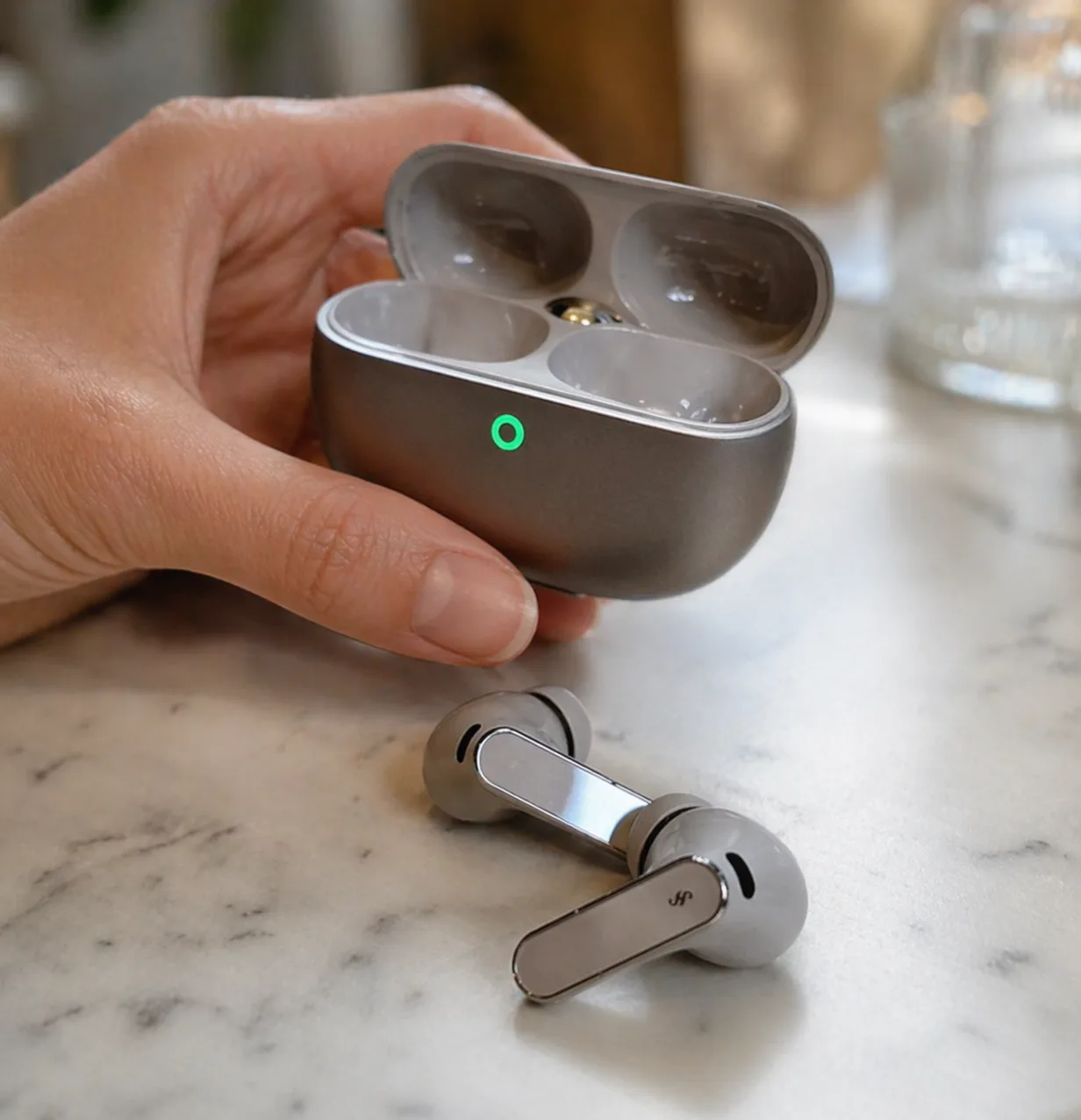
If you frequently video call or podcast, listen up: the FreeBuds 5 Pro’s microphones are claimed to be among the best in the $200 TWS category. Its Noise Reduction technology effectively filters out background noise.
So, even if you’re in a somewhat noisy cafe or at home with background chatter, your voice will still sound clear and professional. For those who frequently attend online meetings or create content, this isn’t just a bonus feature—it’s essential.
Related Product Recommendations
Discover products that are most relevant to this article.
Comfortable ANC for Extended Wear
The Dual Engine ANC in the FreeBuds 5 Pro is indeed an upgrade from the previous generation. Its noise isolation is quite good, especially for blocking low-frequency sounds. More importantly, the implementation is refined—it doesn’t cause discomfort or headaches even when worn all day.
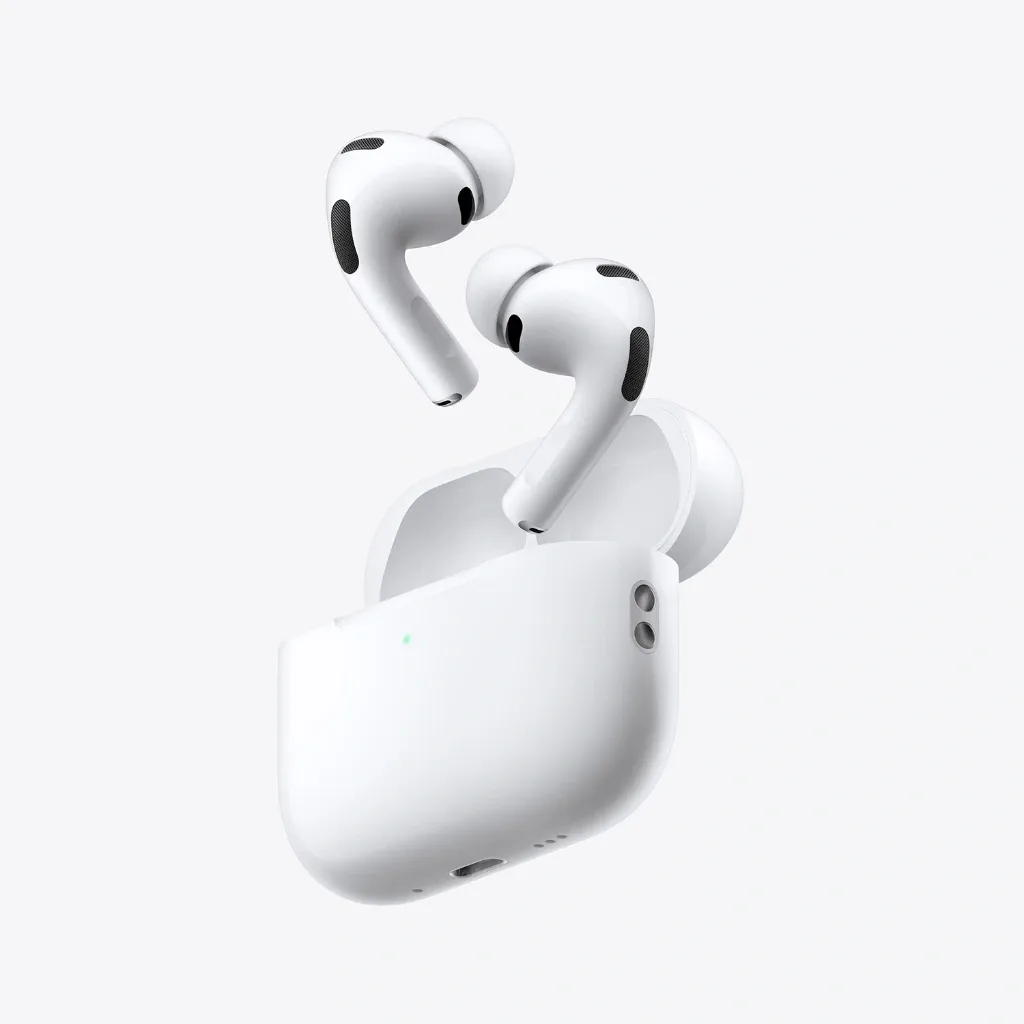
However, honestly, compared to top-tier competitors like the AirPods Pro 3, Bose QuietComfort Ultra, or Sony XM6, its maximum noise isolation capability still falls short. So, if your top priority is the most powerful ANC for complete isolation, those three competitors remain the champions.
Its Transparency Mode is also excellent and natural, not far behind premium competitors. It’s very useful when you need to stay aware of your surroundings without removing the earbuds.
Downsides to Consider
Slightly Overemphasized Bass-Mid Character
Despite featuring Dual Drivers, Dual DSP, and Dual DAC for detailed sound and a wide soundstage, there’s a characteristic that might not appeal to everyone: the low-mids around 400-500Hz are a bit thick.
This results in vocals and mid-range instruments sounding more forward and warm. For some, this might feel overly thick or less clean. The solution? You’ll need to play around with the EQ in the AI Life app.
The Lossless Transmission (L2HC) feature is present, but its function is more about maintaining uncompressed transmission quality rather than drastically altering the sound signature.
Tricky Custom EQ
The Huawei AI Life app offers a custom EQ feature, but its logic is quite unique and can sometimes be confusing. The main issue lies in adjusting specific frequencies.
For example, when you try to lower the 500Hz frequency to reduce the thickness of the low-mids, it might actually adjust the 100Hz or another unintended frequency. This makes fine-tuning more challenging compared to the more straightforward EQ in competitor apps.
If you stick to the default EQ presets, it’s not a problem. But for those meticulous about sound settings, this can be a pain point.
No Memory Foam Option
Unlike the previous model, the FreeBuds 5 Pro only comes with standard silicone ear tips, with no memory foam option. For those who prefer the comfort and passive isolation of memory foam, this could be a drawback.
The stem design is slightly smaller than the previous generation, generally making it more comfortable. However, without memory foam, the passive seal and isolation might not be as optimal as expected.
Interesting Additional Features
Unique Gesture Controls
The FreeBuds 5 Pro uses a combination of pinch, tap, and swipe gestures for various functions, including volume control. It takes a little getting used to, but once you’re familiar, it’s quite intuitive and responsive.
Lost Worry Free Warranty
This is a significant added value from Huawei: the Lost Worry Free warranty program for 1 year. Lost one earbud? No worries, you can replace it for just $35—much cheaper than buying a new unit.
Considering how small earbuds are and how easily they can get lost, especially during travel or exercise, such a program is very helpful. Other competitors in Indonesia rarely offer this.
Design and Color Options
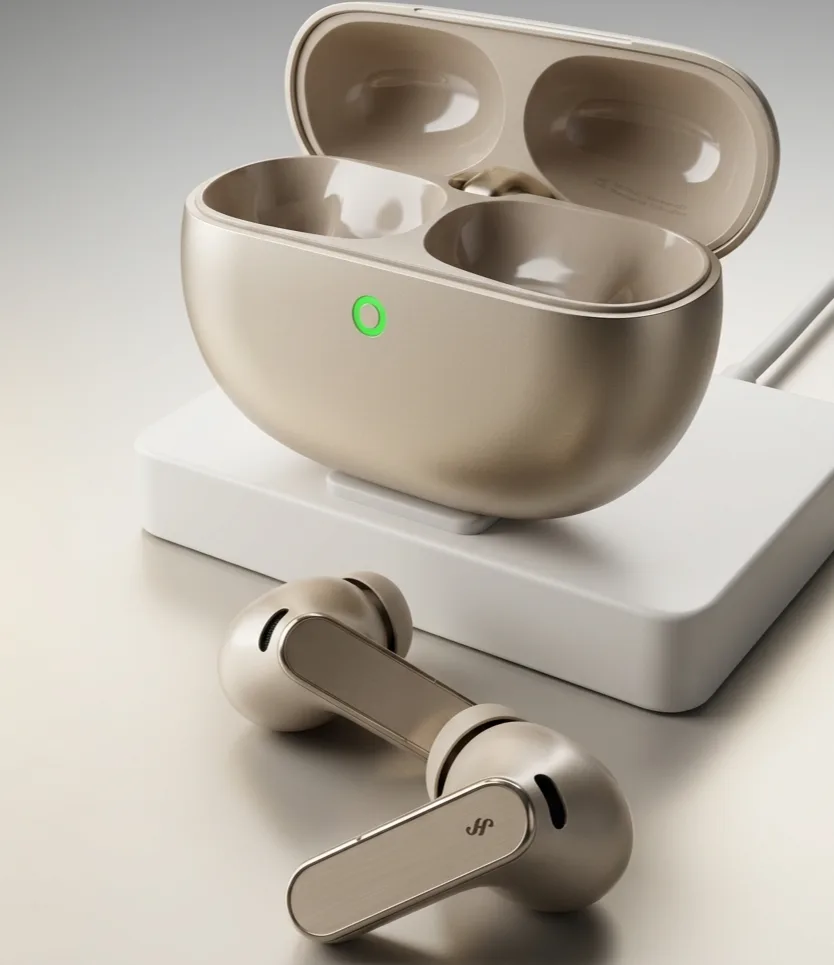
The FreeBuds 5 Pro is available in several attractive color options, offering personalization. The slimmer stem design also gives it a more modern look and makes it less bulky compared to the previous generation.
Comparison with Competitors
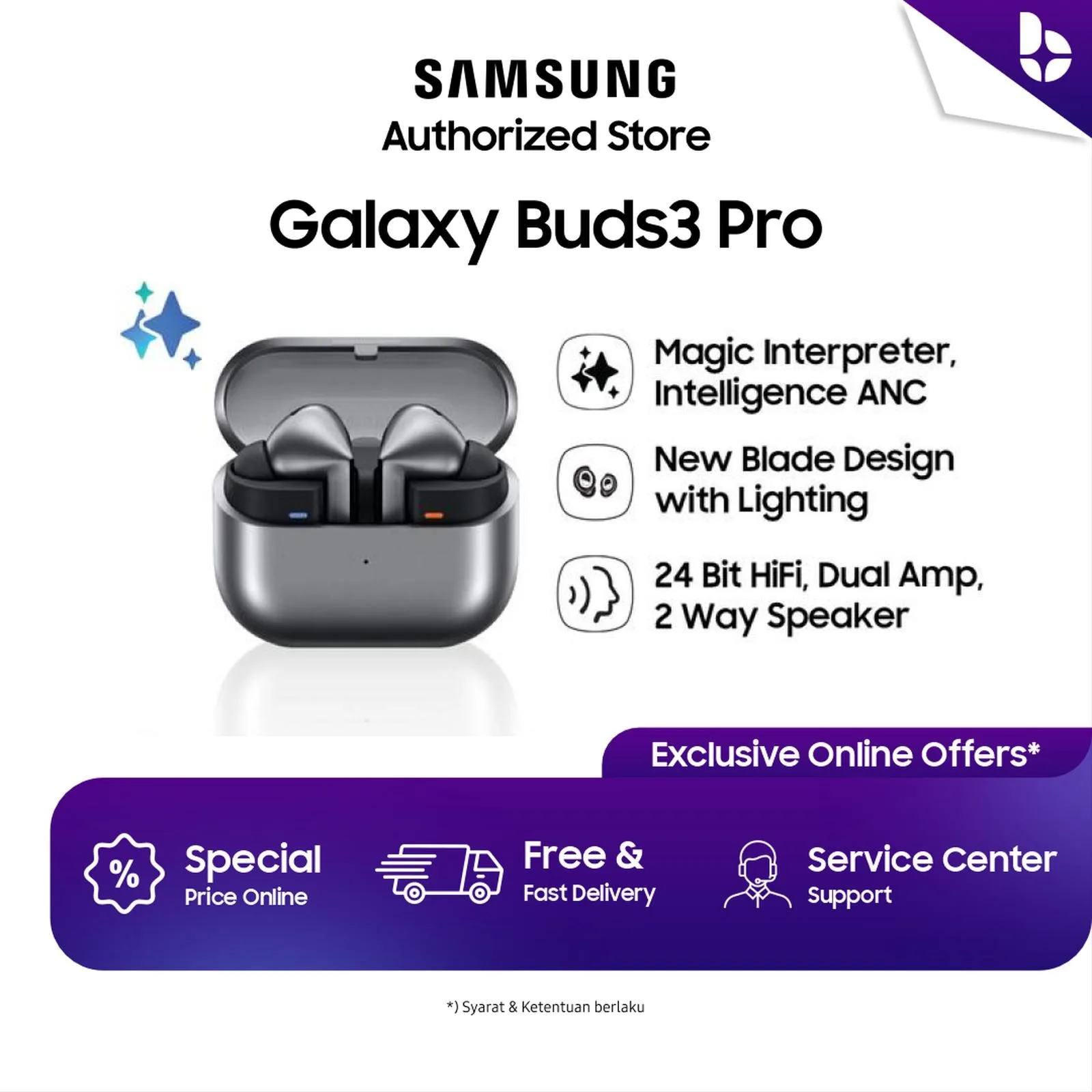
When compared to the Samsung Galaxy Buds 4 Pro at a similar price point, the FreeBuds 5 Pro clearly excels in multi-platform flexibility. Samsung locks its premium Multi-Point features to the Galaxy ecosystem, while Huawei offers complete freedom.
Compared to the AirPods Pro 3 or Sony XM6, the FreeBuds 5 Pro may lag slightly in maximum ANC effectiveness but leads in microphone quality and offers a more competitive price.
Who is the FreeBuds 5 Pro For?
Highly Recommended for:
- Professionals using multiple devices from various brands (iPhone + Windows laptop, Android + MacBook, etc.)
- Those who frequently video call, attend online meetings, or create content and need high-quality microphones
- Users seeking premium TWS with high flexibility without being locked into a specific ecosystem
- Those who appreciate the Lost Worry Free warranty program
Not Recommended for:
- Audiophiles highly sensitive to thick low-mid frequencies and requiring high-precision EQ
- Users seeking the absolute maximum ANC for total isolation (AirPods Pro 3, Sony XM6, or Bose QC Ultra are better choices)
- Users who only operate within a single ecosystem and don’t need multi-platform flexibility
- Users who prefer memory foam ear tips for maximum comfort
Verdict: Worth Buying or Not?
Worth buying if you are a cross-platform multi-device user prioritizing flexibility and microphone quality. The FreeBuds 5 Pro offers a level of freedom rarely found in competitors at this price point, with solid execution across key aspects.
Consider alternatives if your top priority is maximum ANC or if you are highly sensitive to sound characteristics and need more precise EQ. In such cases, the Sony XM6 or AirPods Pro 3 (within the Apple ecosystem) might be more suitable, despite their higher price.
For average users looking for quality TWS without getting bogged down in excessive technical details, the FreeBuds 5 Pro is a fairly safe “blind buy” with a clear value proposition.
Other Alternatives to Consider
If your budget is higher:
- Sony WF-1000XM6: Best-in-class ANC, more neutral sound quality, but higher price and limited Multi-Point.
- AirPods Pro 3: The best choice for the Apple ecosystem, excellent ANC, but limited features on Android.
If your budget is tighter:
- Huawei FreeBuds Pro 3: The previous generation, now at a lower price, still solid for basic needs.
- Samsung Galaxy Buds 3 Pro: An alternative if you are fully within the Samsung ecosystem.
FAQ
Can the FreeBuds 5 Pro be used without the AI Life app?
Yes. Basic functions like pairing, playback control, and ANC can be used without the app. However, to access full features like custom EQ, firmware updates, and advanced settings, the AI Life app is necessary. The app is available on iOS, Android, and macOS.
**What is the battery life?
While specific numbers aren’t provided, there’s an improvement in battery life from the previous generation. For detailed information, it’s best to check the official specifications from Huawei.
Are the FreeBuds 5 Pro waterproof?
The FreeBuds 5 Pro have a better IP Rating than the previous generation, but the specific rating isn’t mentioned. Generally, TWS with an IP Rating can withstand splashes and sweat but are not designed for submersion.
How do I activate Multi-Point Connection?
Multi-Point can be configured through the Huawei AI Life app. After pairing the first device, you can add a second device via the connection settings menu in the app. Switching between devices will happen automatically based on audio activity.
Does the Lost Worry Free warranty apply if both earbuds are lost?
The Lost Worry Free program with a $35 fee applies to replacing one lost earbud. If both earbuds are lost, you will likely need to purchase a new unit or pay the replacement fee twice—it’s best to confirm the program details with an official Huawei service center.
Enjoy this content? Support GizmoKita so we can keep making the best gadget review summaries for you 💙
❤️ Support UsSource: Fernanda Gunsan