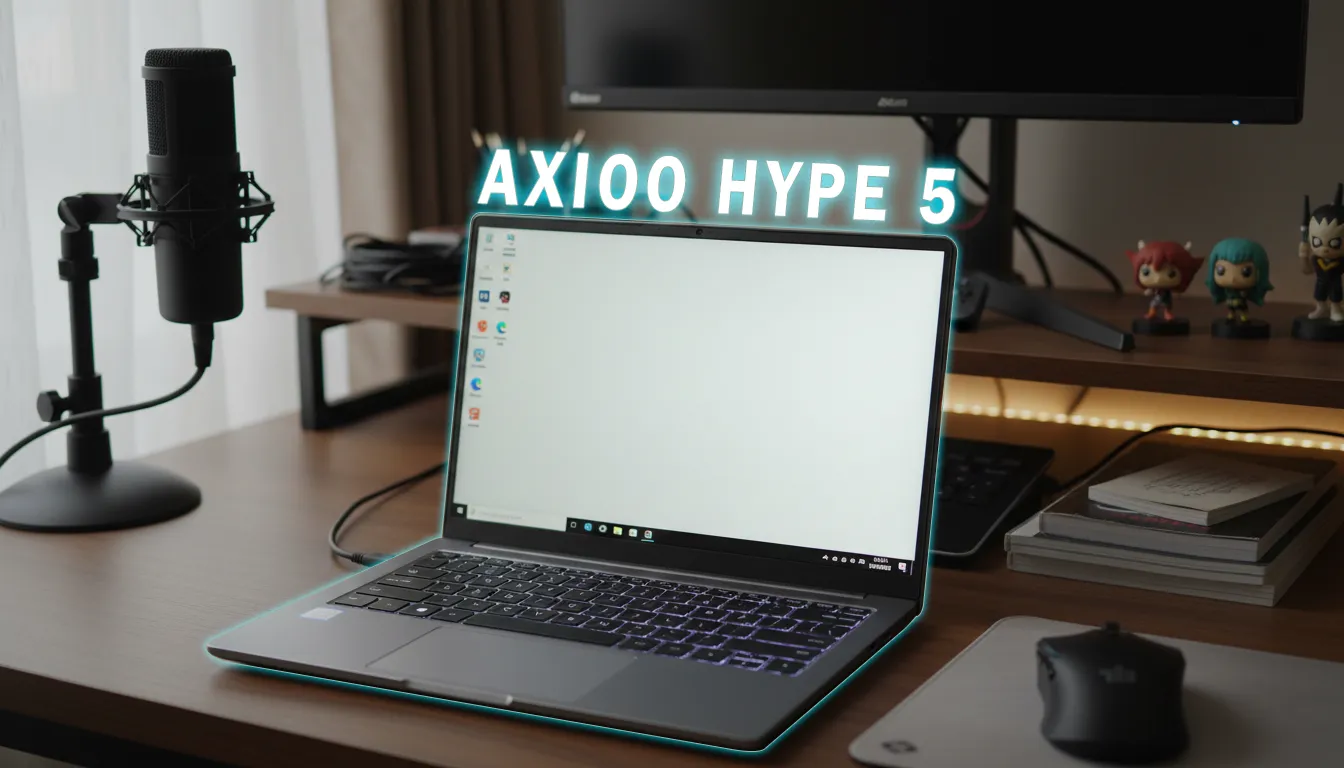
For FPS players, millisecond differences often decide a headshot or losing a duel. The HyperX Omen 15 arrives with a bold claim: a Hyper Action Keyboard with polling rate up to 8000Hz, 0.125ms latency, plus 26-key rollover. The question is simple: does a scan rate this high truly make a difference in aim and strafing, and are the keys still comfortable for late-night play without being noisy?
Editorial Verdict
A synthesis of gadget reviewer opinions highlighting key strengths and trade-offs.
The 8000Hz Hyper Action keyboard on the Omen 15 delivers instant response and keys that feel solid yet stay silent—a combo that suits FPS and late-night sessions.
Best for:
-
FPS players sensitive to input timing
-
Users who need quiet keys for late-night play/work
-
Mobile gamers who want an internal keyboard with 26-key rollover
Not ideal for:
-
Seekers of loud audio with thick bass
-
Users who want built-in dual-channel RAM
Final verdict: Worth trying for FPS—especially if you want fast response without noise compromise.
| Specifications | Details | Explanation |
|---|---|---|
| Keyboard | Hyper Action, polling up to 8000Hz, claimed 0.125ms latency, 26-key rollover, 4-zone RGB | Reduces keypress detection delay and minimizes ghosting during rapid inputs. |
| Key feel | Solid yet silent | Keeps noise down when playing/typing at night. |
| Display | 15.3" IPS, 2560x1600, 180Hz, 3ms, anti-glare, 100% sRGB (measured 99.1% sRGB; 520 nits) | Determines animation smoothness and enemy visibility in dark areas. |
| CPU | AMD Ryzen 5 240 (6C/12T, Zen 4, 45W, up to 5GHz) | Handles modern game loads and background processes. |
| GPU | NVIDIA GeForce RTX 5050 Laptop, 8GB GDDR7, Blackwell | Delivers stable frame rates and DLSS 4.5/Multi-Frame Generation features. |
| Cooling | Omen Tempest (2 fans, 3 heatpipes) + Fan Cleaning | Keeps temperatures stable and simplifies fan maintenance. |
| Keyboard area temperatures | <34°C while gaming (peak area 34°C) | Keeps WASD comfortable to the touch over long periods. |
| Battery | 70Wh; video playback ~10 hours 30 minutes | Extends usage time for mobile work/entertainment. |
| Weight | 2.22 kg (adapter 336 g; total 2.56 kg) | Affects daily portability. |
| Price (ID) | Rp21.999.000 | Places the product in the 20-million segment. |
In the IDR 20 million segment, what’s different?
For gaming laptops around IDR 20 million, many highlight the CPU/GPU. On the HyperX Omen 15, the spotlight is its built-in keyboard. The 8000Hz polling claim with 0.125ms latency and 26-key rollover promises fast, ghosting-free control—a draw rarely discussed on laptops, especially if you don’t want to carry an external keyboard.
JagatReview’s opinion
According to the reviewer, the HyperX Omen 15’s keyboard keys feel very solid when pressed yet remain silent. The keyboard supports 26-key rollover and Anti-Ghosting, equipped with 4-zone RGB backlighting configurable in Omen Gaming Hub/Omen Lighting Studio. The arrow key layout is full-size, and the Home/PageUp/PageDown/End keys are integrated on the numpad side.
Where does the HyperX Omen 15 Hyper Action feel different in FPS?
- Key response: The 8000Hz and 0.125ms claims mean extremely tight input detection cycles. For strafe-peek, counter-strafe, and burst taps, the input window becomes more precise than on laptop keyboards that don’t emphasize high polling.
- Simultaneous input: 26-key rollover reduces the risk of ghosting when WASD + crouch + reload + utility are pressed in quick succession.
- Comfortable for late-night sessions: The silent key character keeps noise down without sacrificing a solid feel, helping focus during late-night scrims.
In sync with the 180Hz panel
The 2.5K 180Hz display and 3ms response help keep up with the HyperX Omen 15 Hyper Action’s fast inputs. In testing, brightness reached 520 nits with 99.1% sRGB coverage and 111.1% sRGB volume. The anti-glare panel minimizes reflections when tracking targets. The 16:10 ratio gives more vertical room for HUD and maps.
Palm-friendly surface temperatures
During a 30-minute Cyberpunk 2077 session, the keyboard’s hottest area recorded 34°C, while many other sections sat at 30–33°C; the palm rest was even below 27°C. This means the WASD area stays comfortable to the touch for long periods—a factor often underrated when discussing aim consistency.
Things to note before buying
- RAM still single-channel: Ships with 16GB DDR5-5600 single-channel. To maximize CPU/GPU performance, you may want to add another stick for dual-channel.
- Limited performance mode options: In Omen Gaming Hub you get Eco/Balance, with fan control Auto/Max and Omen AI. There aren’t many other aggressive presets.
- Speakers not loud, thin bass: To hear footsteps more clearly, it’s safer to use headphones (in line with competitive gamers’ preferences).
- Hinge not 180°: The display can’t lay fully flat; not a big issue for gaming, but affects positioning flexibility.
Performance supports competitive FPS
The combination of Ryzen 5 240 (6C/12T) and RTX 5050 Laptop 8GB GDDR7 Blackwell offers staying power for eSports through AAA titles. 3DMark Time Spy scored 8,263 points. In graphics stress testing, GPU temps were around 60°C—healthy thermal headroom for long sessions.
Battery life, ports, and practicalities
The 70Wh battery reaches about 10 hours 30 minutes for 1080p video (test settings), recharges from 0–51% in 30 minutes and to full in around 2 hours. Ports are complete: USB-A on left/right, USB-C 10Gbps (display out, PD 3.1, Sleep & Charge), HDMI 2.1, Ethernet, combo audio, and DC-in. Weight is 2.22 kg (2.56 kg total with charger), still reasonable for daily carry.
Who it’s for, who it’s not, and key trade-offs
- Suitable: FPS gamers who want instant key response from the built-in keyboard; creative workers who also appreciate the 2.5K 180Hz display; users prioritizing cool surface temps.
- Not suitable: Users who want loud audio from built-in speakers; buyers demanding factory dual-channel RAM.
- Trade-off: You get fast and quiet keyboard input, but it’s wise to budget a RAM upgrade to unlock the system’s full potential.
TL;DR
The HyperX Omen 15 Hyper Action stands out with a responsive and quiet 8000Hz built-in keyboard, supported by a 180Hz display and cool surface temps. The main weaknesses are single-channel RAM and not-so-loud speakers.
GizmoKita Verdict
Worth Buying—especially if your main reason is an internal keyboard for FPS with a solid yet silent feel.
FAQ
Is 8000Hz on the HyperX Omen 15 Hyper Action enabled out of the box?
Jagat Review mentions a claim of up to 8000Hz, without specific toggle details beyond general settings in Omen Gaming Hub.
Are the keys noisy?
No. The reviewer says the keys feel solid yet remain silent.
Is 26-key rollover sufficient for FPS and other fast games?
Yes. It supports 26-key rollover and Anti-Ghosting.
Is the WASD area hot while gaming?
No. The source notes the keyboard area stays under 34°C while gaming.
What’s the official price in Indonesia?
Rp21.999.000, including Microsoft Office Home 2024, M365 Basic 1 year, 3 months of PC Game Pass, 2-year warranty + 2-year Accidental Damage Protection.
Keep following concise and objective reviews on GizmoKita—so your buying decision hits the mark.
Enjoy this content? Support GizmoKita so we can keep making the best gadget review summaries for you 💙
❤️ Support UsSource: Jagat Review